- Click on + Package and then Copy Package from a Renewal package or New (Comparable) package.
- Copy Package availability from Renewal depends on carrier and package rules.
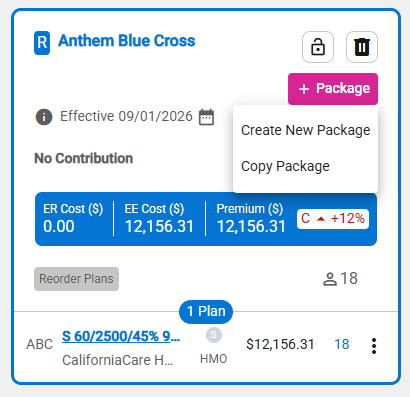
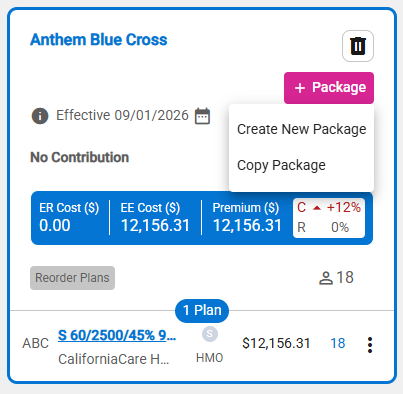
- When the renewal package includes plans linked to different Carrier Packages, the copy option is unavailable. – Added
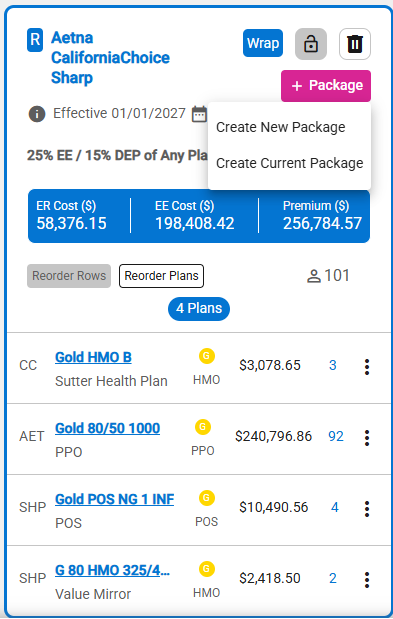
- When Copy Package is selected, the carriers and plans included in the Renewal package are checked for eligibility. – New
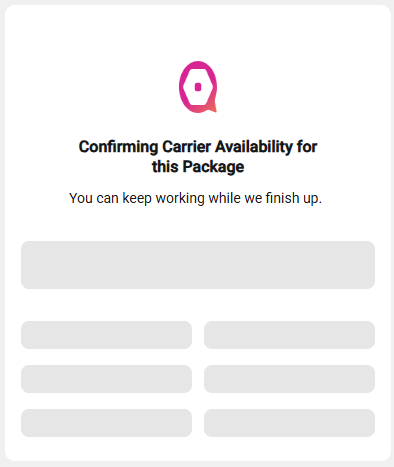
- A notification is shown while the eligibility check is being performed.
- A notification is displayed when a carrier and its plan(s) are not eligible for the New (comparable) package.
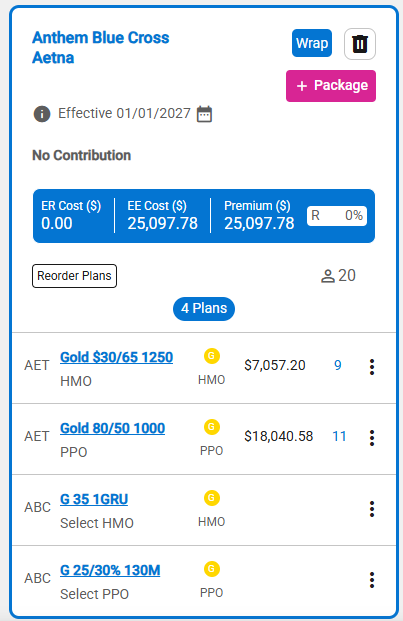
- This applies to single-carrier packages and wrap packages that include up to three carriers.

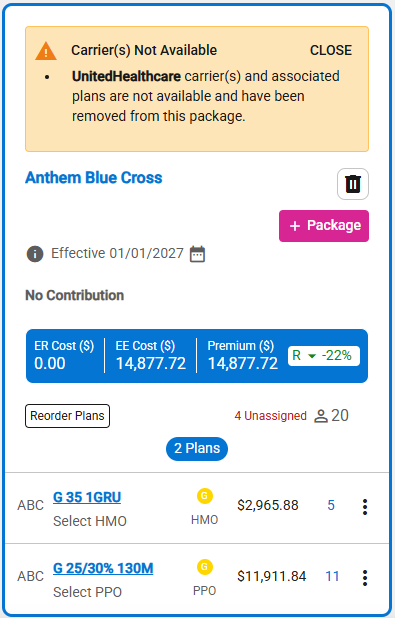
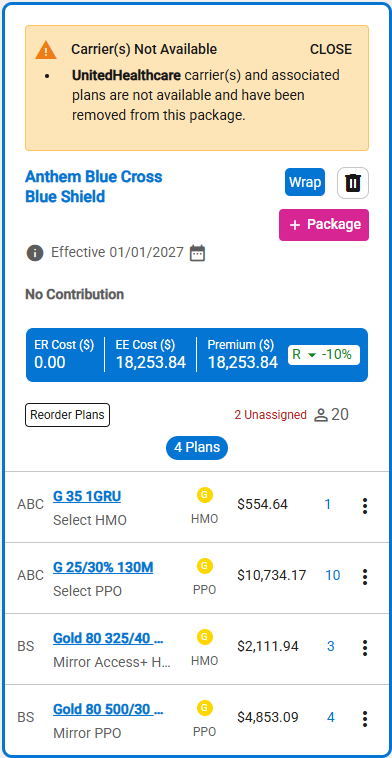
- The New (comparable) package is displayed if at least one carrier and associated plan(s) are eligible.
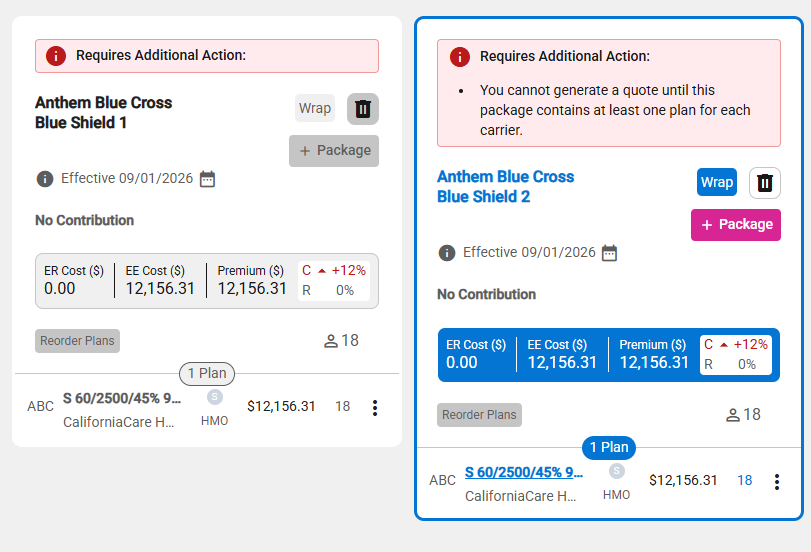
- The copy of the package is placed to the right of the copied package.
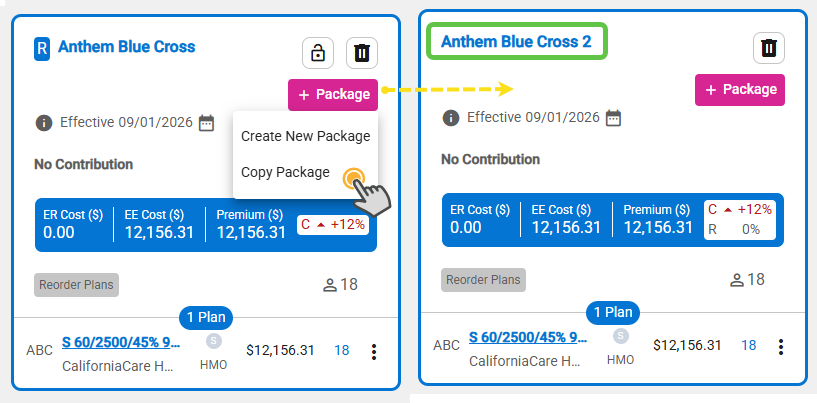
- A sequence number is added to the package name if there is more than one package with the same carrier(s) names.

- If the copied package contains errors, then the copy of the package will contain the same errors.
- Update can be made to the package.