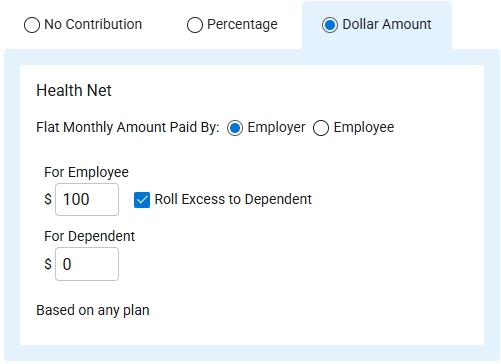
- Once you select the dollar amount, the following will be displayed:
- Carrier Name – From the selected package.
- “Flat Monthly Amount Paid By” selections
- Employer (default selection)
- Employee
- “For Employee” Dollar Amount entry
- The “Roll Excess to Dependent” applies any remaining amount after the employee’s premium to the dependent’s premium.
- “For Dependent” Dollar Amount entry
- “Based on any plan” – The contribution applies to any plan within the package.
- Complete all selections/entries.
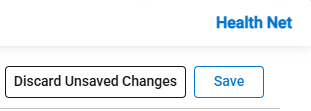
- Discard Unsaved Changes/Save Changes
- Click the Save button to save the data.
- Click the Discard Unsaved Changes to reset all and not save.
- If changes have not been discarded or saved, a warning message will appear when navigating away from the screen.
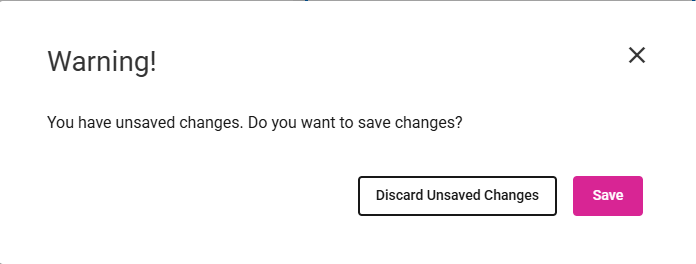
- Click Discard Unsaved Changes or Save.